Study mode
Review only the cards due today
- See the cards scheduled for review today
- Grade written answers yourself; multiple choice and true/false are automatic
- Choose ordered or shuffled questions
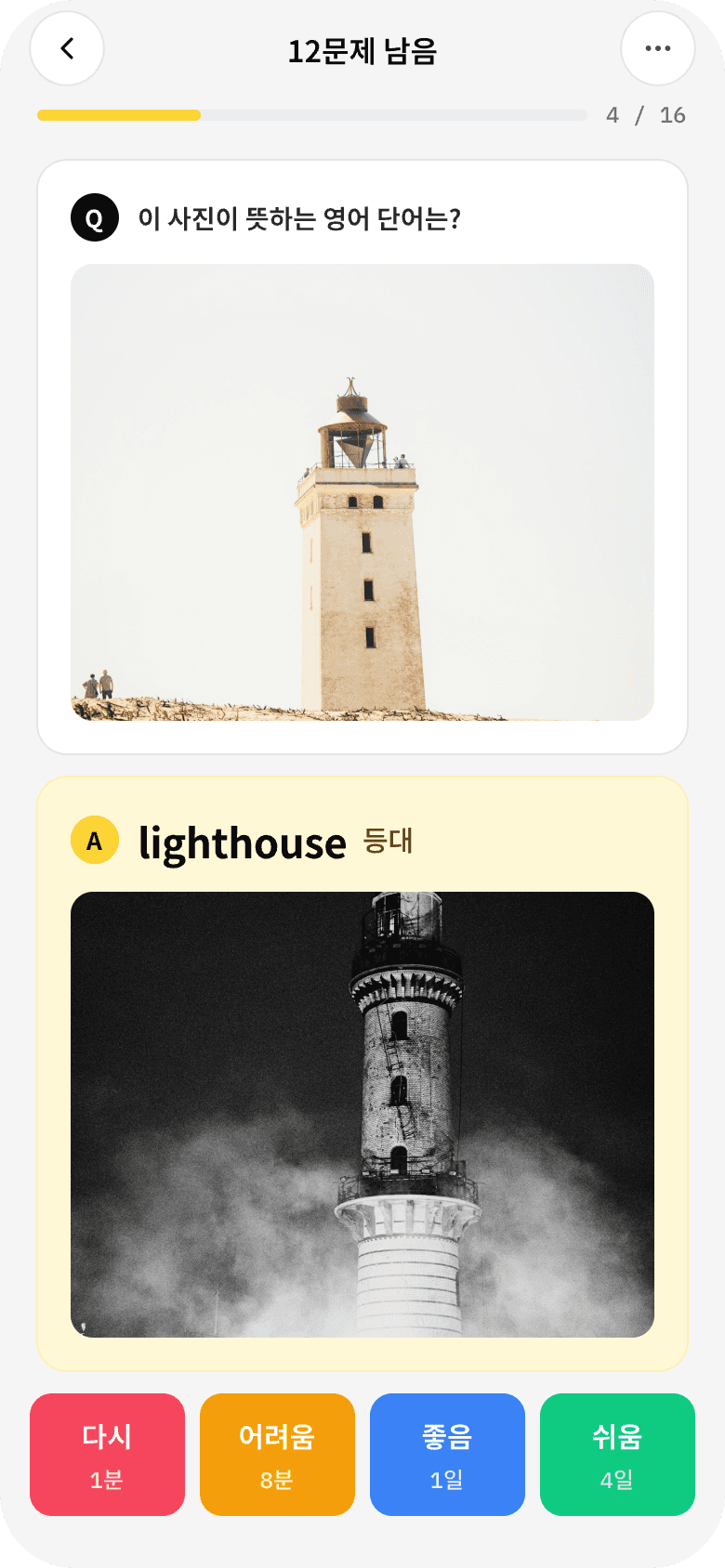
Start with a ready-made deck, answer in writing or choose from multiple-choice and true/false cards, then check your progress in test mode.
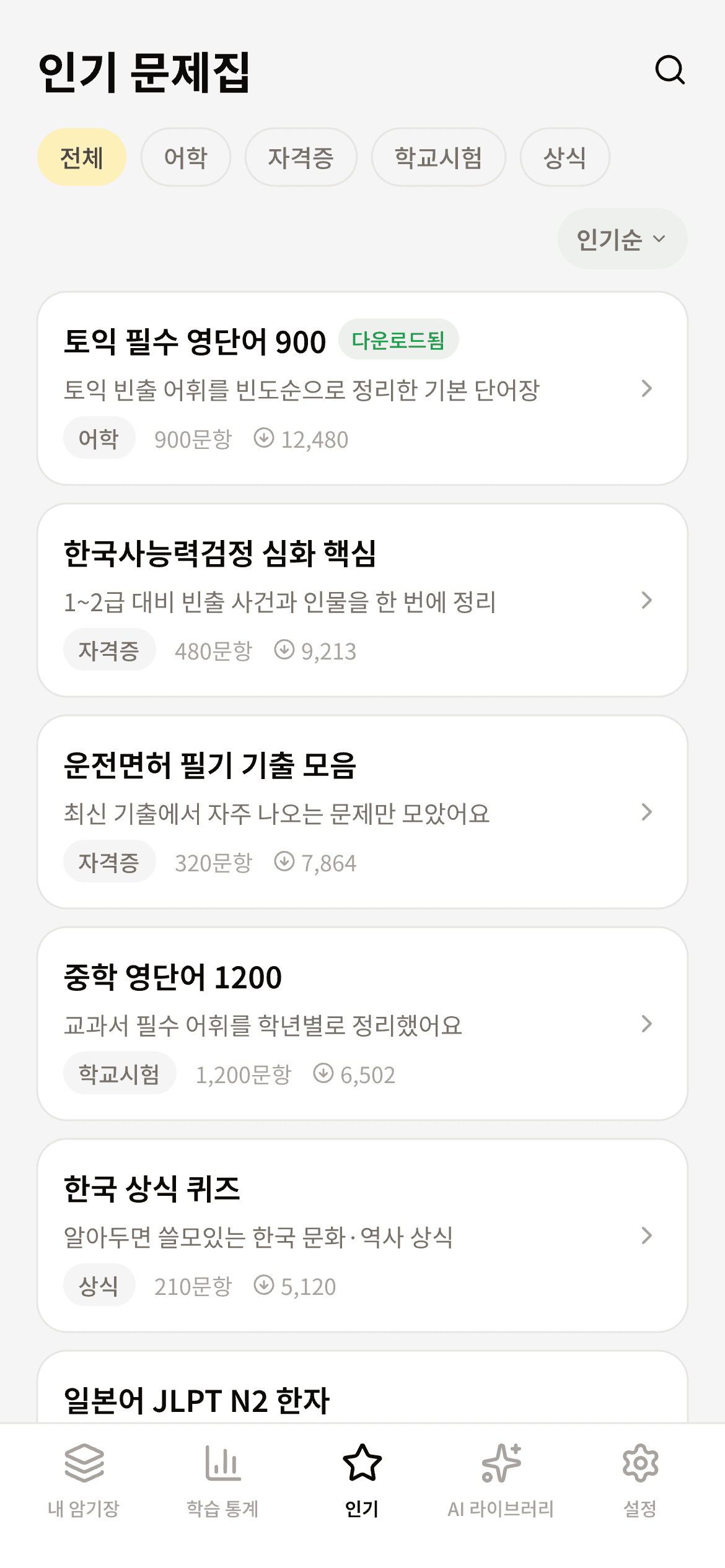
Explore 6 ready-made decks with 757 cards. Preview cards first, then open the full deck in the app.
Learn the names and symbols of all 118 chemical elements.
Learn the capitals of all 50 U.S. states, plus USPS two-letter state abbreviations and U.S. Census Bureau regions.
Learn the ISO alpha-2 codes of the 193 current United Nations member states.
Match atomic numbers 1 through 118 with their chemical elements.
Learn the capitals of the 193 current United Nations member states.
Original digital-safety study cards independently composed as general safety education informed by public cybersecurity guidance. Covers passwords, multi-factor authentication, phishing, safe browsing and downloads, public Wi-Fi, software updates, backups, personal-data hygiene, social engineering, and what to do after a scam.
“Make 30 multiple-choice questions from these lecture notes.” Ask the AI agent you already use, and it writes the cards, uploads them, and gives you a share code. Enter the code in the app and start studying.
Paste one command into your terminal. Claude Code picks up the skill whenever you need it.
Give it a topic or your own material and ask for a deck. Mix written, multiple-choice, and true/false cards.
Open the link on your phone, or enter the 6-character code in the app under Settings → Import.
Recall and recognition are different skills. Mix written answers, multiple choice, and true/false cards in the same deck.
Answer
CREATE · ALTER · DROP
True — TCP uses a three-way handshake before transmitting data.
Learning and checking are different moments. Use the same deck in two focused modes.
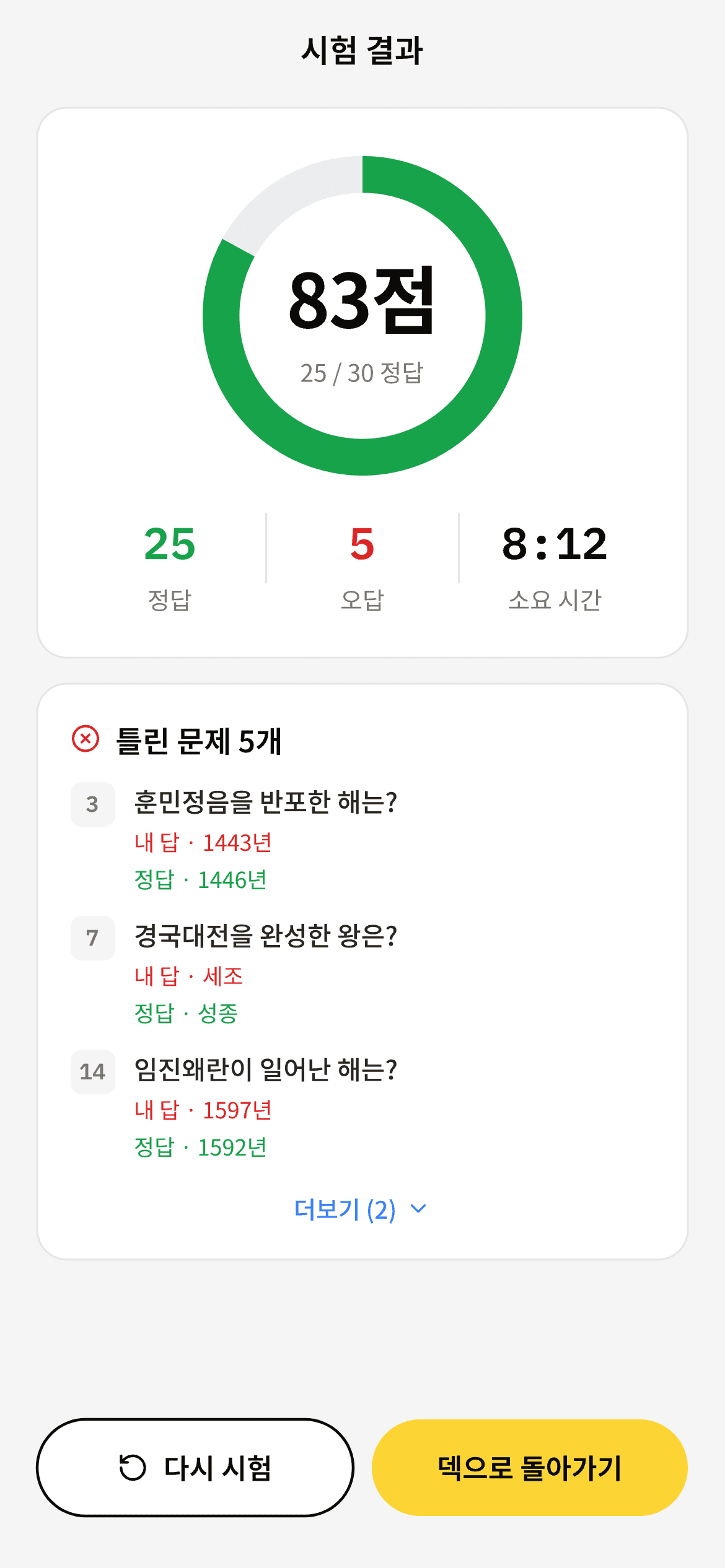
Review on iPhone, iPad, or Android with a schedule designed to bring cards back before they fade.
New information becomes harder to recall as time passes.
Well-timed repetition helps memories become more durable.
The app keeps track of when each card should return.
Repeated review helps memories last longer.
Creating decks, studying, and checking progress all follow one simple flow.
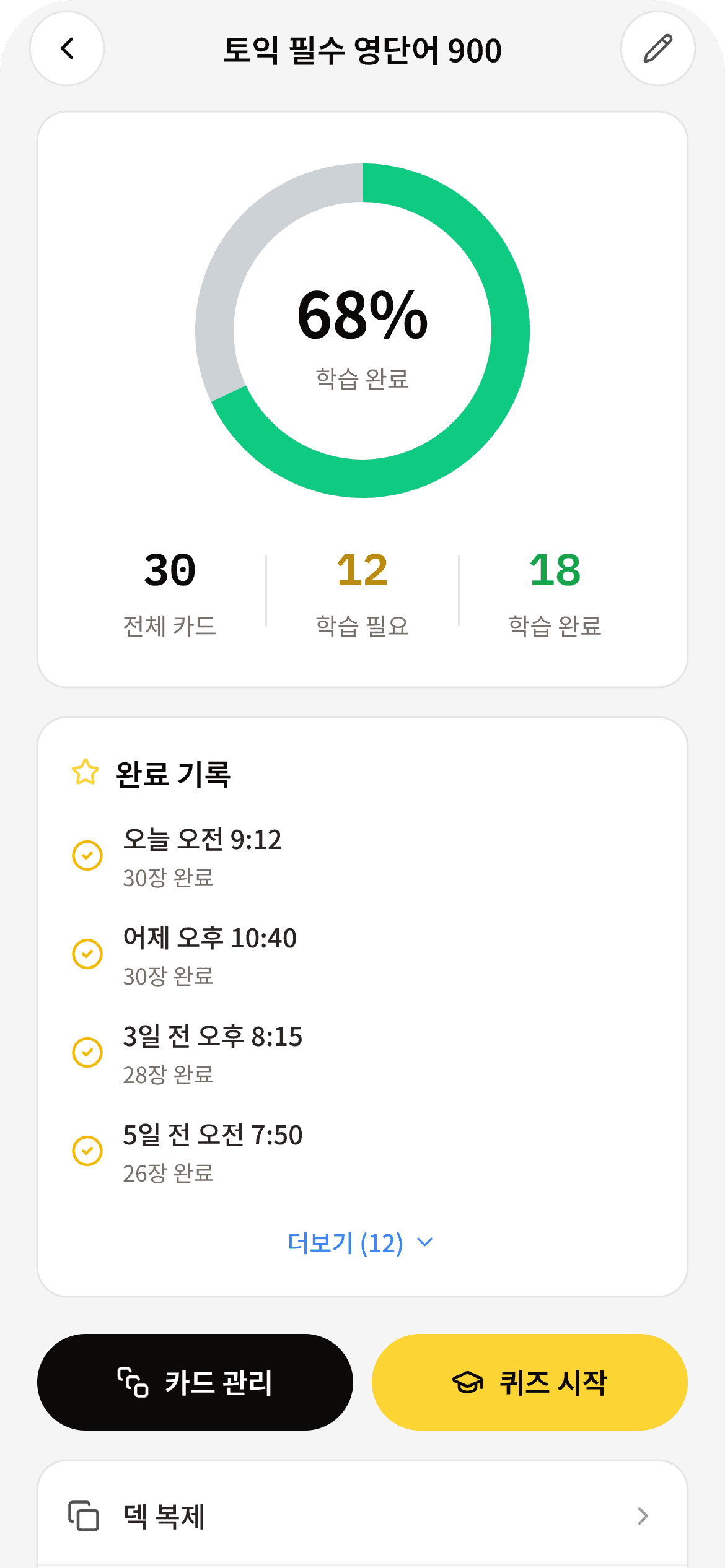
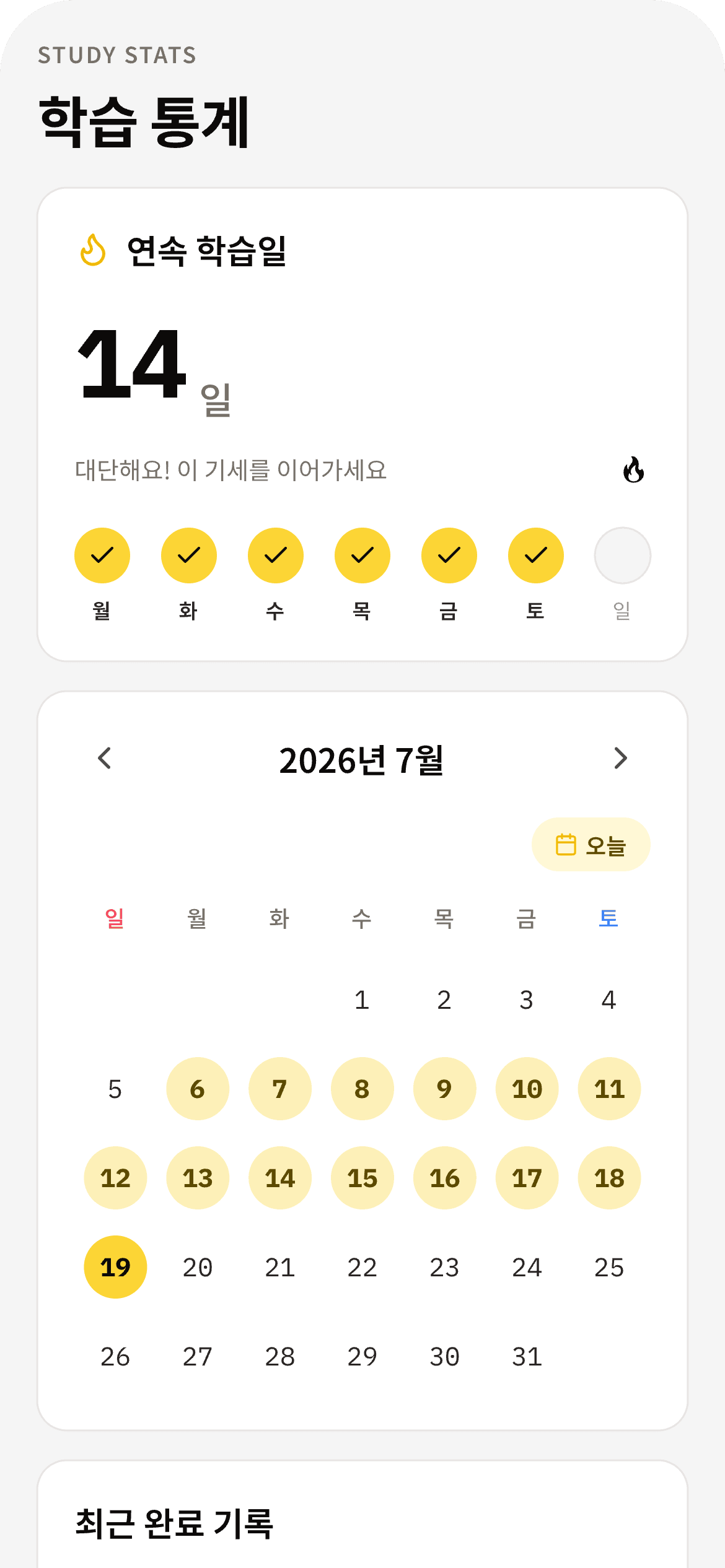
Bring in your own material, follow your progress, and study across supported devices.
Paste from Google Sheets or Excel to get a six-character code. Enter it in the app to import up to 500 cards at once.
Choose a prepared deck, preview its cards, and start studying without building everything yourself.
See what you studied in calendars and charts. A growing streak makes the habit visible.
iPhone and iPad sync through iCloud. Share codes help you move decks to Android devices.
Learners use the app to keep their study material organized and approachable.
“I thought my quizzes were gone, but the recovery feature saved them. This app is excellent!”
“I really, really like it. It genuinely helps me study.”
“The clean, intuitive interface makes me want to study. Highly recommended!”
They are curated study decks for commonly studied subjects. Browse by category and popularity, preview the first five cards, and open a deck in the app. Imported decks work in both study mode and test mode.
Written answers, multiple choice, and true/false are supported. Recall a written answer and grade yourself, or choose an option for instant grading. You can mix types in one deck.
Study mode shows the cards due for review today. Test mode takes you through a fixed set, then shows results and missed questions together. Choices are graded automatically; written answers support self-grading.
Yes. Paste two columns into the web deck builder or upload a CSV or Excel file. You will receive a six-character code to enter in the app. Up to 500 cards can be imported at once.
Yes. Give an AI agent like Claude Code or Codex a topic or your own material, and it builds a deck and gives you a share code. Enter the code in the app to import it. Setup steps are on the "Create decks with AI agents" page.
The app schedules the next review for each card using a spaced-review approach. Cards return near the time they may become harder to remember, helping the same study time go further.
Yes. My Study Deck is available on Google Play for Android. It is also available for iPhone and iPad on the App Store.
Study data syncs through iCloud across devices using the same Apple Account. Android stores study data on the device, and decks can be moved using share codes.
Yes. Importing and sharing decks, building your own, and studying are all free to start. Daily usage limits apply, and a premium subscription removes them.
Choose a ready-made deck and begin today. Download on the App Store for iPhone and iPad or on Google Play for Android.